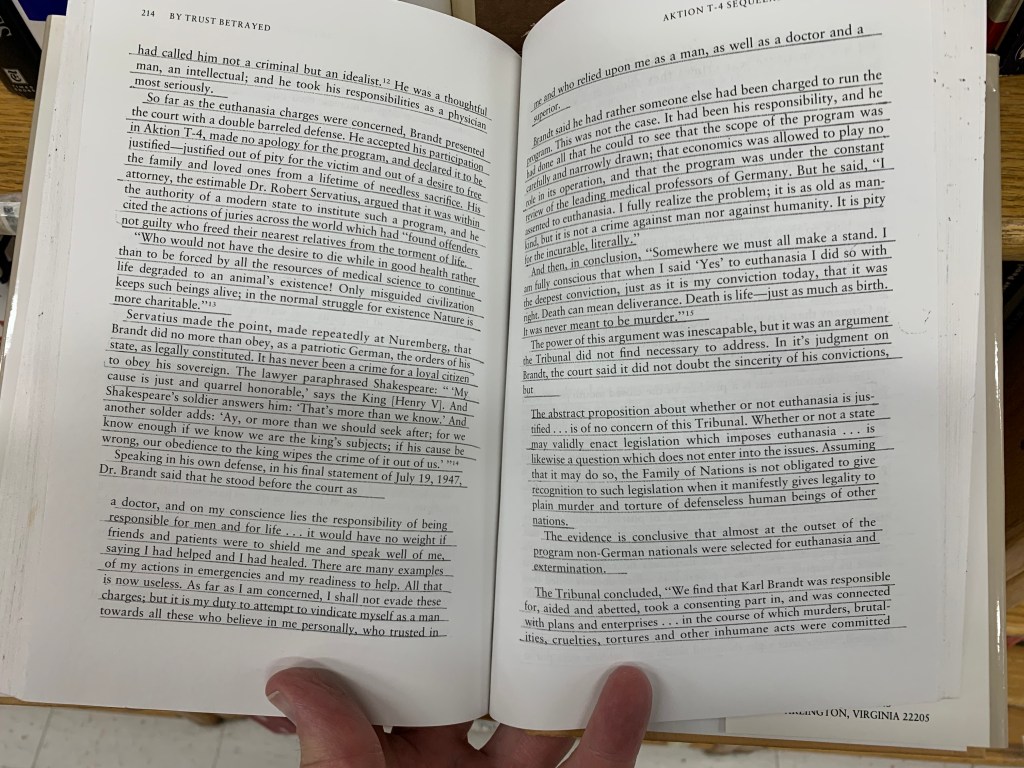
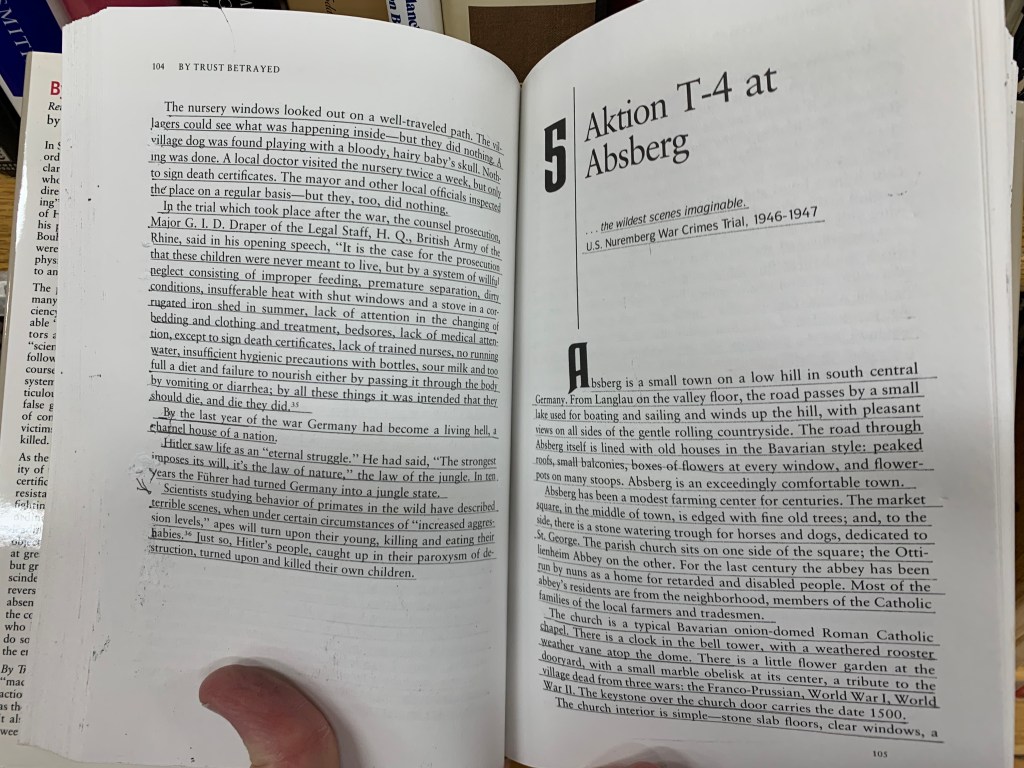
My Dad, when reading books, uses highlighters on passages that he likes and wants to remember. This frustrates me when buying books: I’ll come across a great book, open it up, and someone has crudely underlined paragraphs all over the place. Often, at a thrift store, all of the books are pretty much common or not of a great topic, except one… and when I open that one special volume? Its pages are all marked up with underlining or markers.
Quite frustrating.
My way of noting special passages is different: I take a photo of the page with my phone, and use Adobe Acrobat’s OCR (Optical Character Recognition) to turn the text into editable text, as if it were typed in and not just part of a photo of a page. Adobe’s OCR isn’t bad, and I appreciate what it does considering I grew up writing everything with pens, pencils, and manual typewriters. Correction ribbons… ugh.
So, this is how I do things. I have a big file with all sorts of interesting excerpts from books that I’ve read.
But today, I found out about a better way to do this. I was taking a photo of some pages with my phone, when I accidentally discovered that the iPhone now automatically OCR’s text without even asking!
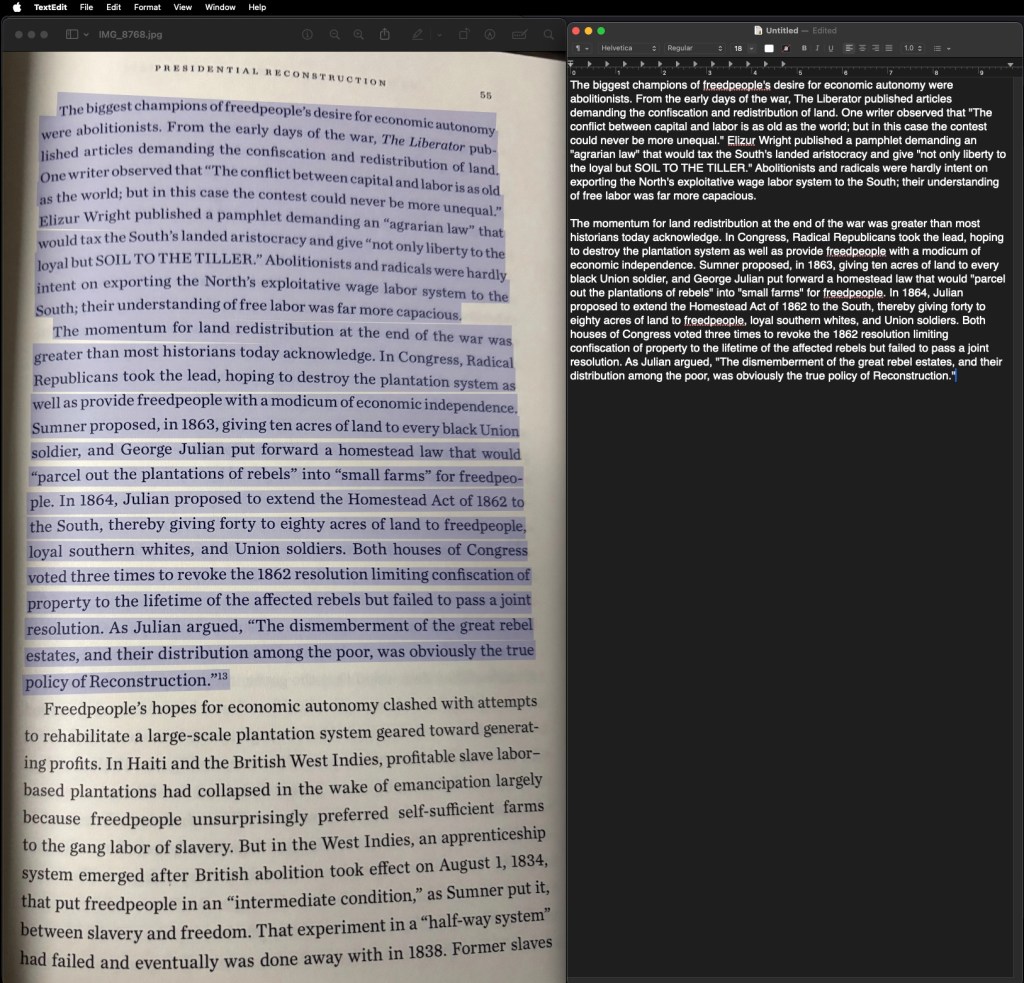
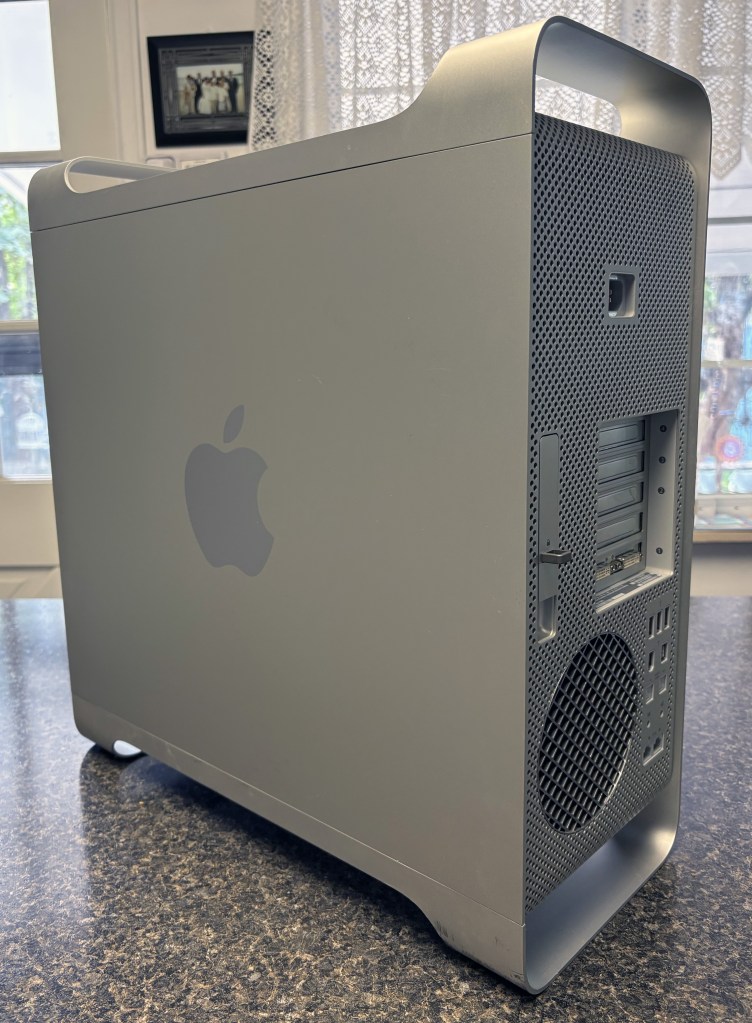
Even better, when I’m on my Mac Mini, to use the built-in OCR, all I have to use is the Preview app to open the photograph of the page, go to Tools > Text Selection (or even better, Automatic Selection), and the OCR goes to work! I just click on the page and after a few seconds, the cursor changes and I can select all of the text! The Automatic Selection option stays selected so I don’t have to do that every time.
Apple’s OCR (I can’t speak for any Windows OCR features) in my experience, works better than Adobe’s OCR, where lack of contrast and warped text due to pages not being completely flat, causes a lot of static junk text.
I just wanted to share that because this is one of those many useful features our phones and computers can do, but most of us miss it. If you would have told me back in the day that something like this was going to be possible, I would have had a tough time believing it. We take a lot of things for granted, and this is one of them. Also, being able to take unlimited high-quality videos and photos with a computer-phone that fits in a pocket. Some of us remember having to:
1 – Go to store, buy film.
2 – Load film correctly, pick shots carefully because there are only 24-36 to a roll.
3 – Unload film correctly.
4 – Take film to store.
5 – Return to store to buy prints.
So, two trips to the store, one opportunity to ruin the film. And, one was limited to how many shots were on a roll. Now, it is unlimited, with many options and features, and no trips to the store.
Anyway. There are more important things to be thankful for this Thanksgiving, but this is still something to be appreciated: useful technology that keeps innovating and bringing us more ways to be productive.





 randyrydberg.org