Category: Uncategorized
Rising Tiger • Brad Thor
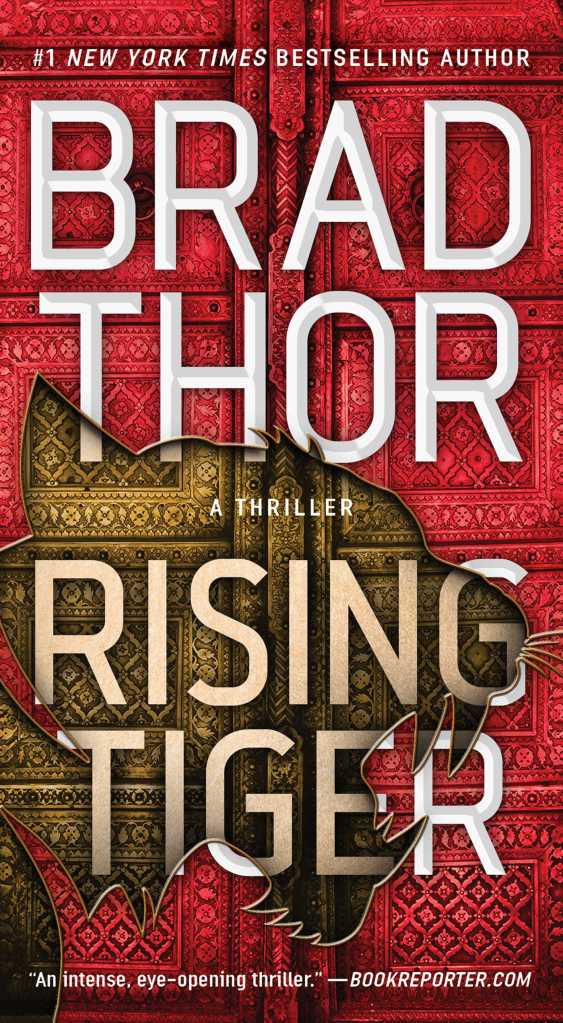
I just happened into an ARC thrift store today while waiting for Dad to get an errand done, and I ran across a Brad Thor book I have been missing! (Two dollars! it was thirty bucks brand-new!) I keep up with the Vince Flynn and Brad Thor series by getting their books at the thrift store for two dollars, instead of buying them brand-new.
I did have to get one of the recent Flynn books new, though, because I was just finishing the series in my second re-read, and I couldn’t wait. It was interesting, getting one of these books that way. Depressing however, when I saw so many at the thrifts for a fraction of what I paid. Still worth it to buy them new, though. They are that good!
I originally read about twenty Vince Flynn books, the eight or so newest volumes were penned by Kyle Mills after Flynn’s passing. Mills had written ten of his own books before taking on the Flynn franchise, so that is about thirty between the two guys. More, actually counting the recent releases.
I also read about twenty Brad Thor books when I was through the Flynn books. And although I collected the Kyle Mills books when he took over for Flynn, I have only read one of those.
So. I have re-read all of the Flynn books, except the two that have come out since I finished that run. I am through half of the Thor books, and took a break. So I have to finish the Thor run, then read the ten (now eleven, since Mills released a new one this year) and I’ll be done. And then start over again!
I am a big proponent of re-reading books, a practice that is at odds with the large library that I have. But it is important to re-read, though. I look at the first reading of a book as an introduction to it; the start of a sort of relationship. The second go-round is when the book actually gets better. The third is usually where it is even more so, and also very comforting that the book can be counted on not to disappoint. Reads past that are really great; I have books I re-read every few years, and I never get tired of them.
If I wasn’t so focused on history books, I’d be able to get into more of this kind of fiction, by authors like Tom Clancy, C.W. Lamoine, Lee Child (Jack Reacher), and others (I keep a list, of course). But because I don’t have room to collect everything, the history books take precedence. For the time being.
So, since these guys put out about a book per year, I now have three authors putting out three books every year, instead of two. Which is a good thing. I have to get back to it in order to finish my epic first and re-read of about sixty books, only to start over again with Flynns’ first, Term Limits. That was a great book.
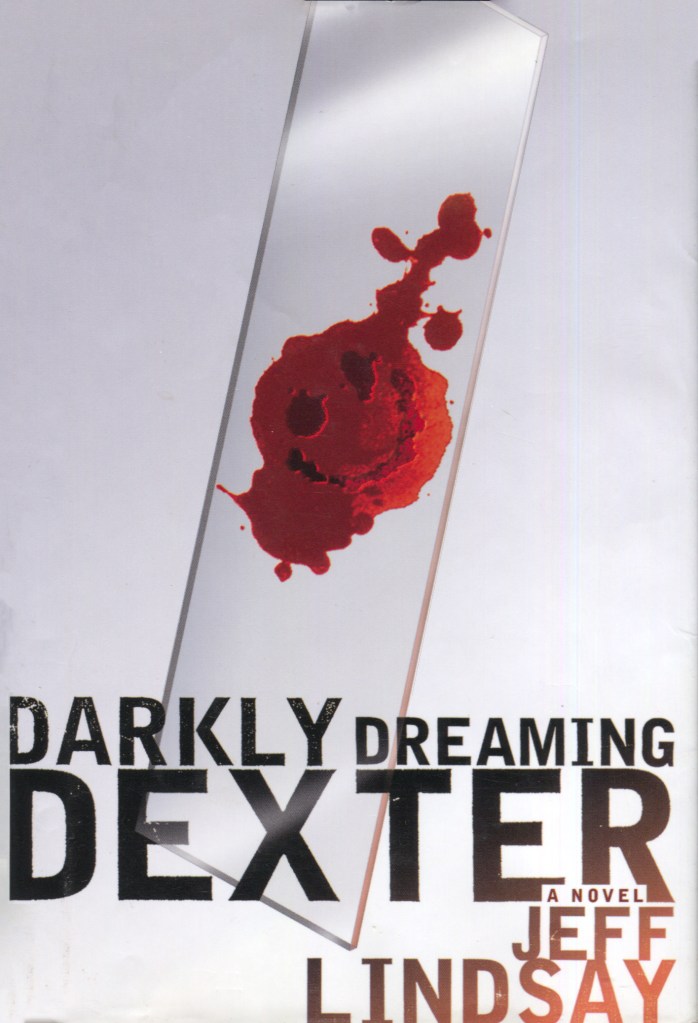
I’m slowly collecting the Dexter series, and I have books from Fight Club author Chuck Palahniuk I’d like to get to as well. There is an omnibus of Robert Lewis Stevenson, another omnibus of John Wyndham, and a few other fiction books I’d like to get to at some point, including finishing The Count of Monte Cristo, of which the 2002 movie is one of my all-time favorites.
And then, the big book; War and Peace! I have the Easton Press leather-bound edition of this, and far too many history books point to this as being a great book. I remember when Sam on Cheers tried to read it in order to impress Diane… that was the only thing I knew about it up until recently. Very curious to get that one read and see what all of the praise is about!
Raptor 2.0 Is Finally Here
NEXT
Why are Ergonomic Keyboards SO Weird?
This video explains not only the different ergonomic options available, but the reasons behind why ergonomic keyboards are more efficient and healthier than standard, generic keyboards.
The Standard Is Holding You Back
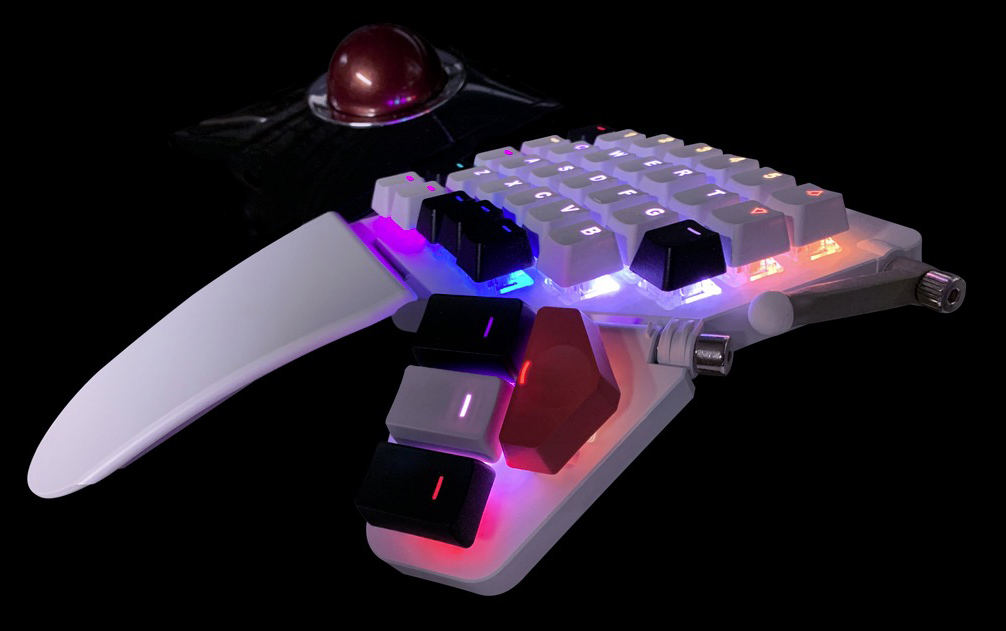
The standard keyboard design has its roots in manual typewriters, where the moving hammers could jam if certain keys were pressed too rapidly in quick succession.
Having used numerous ergonomic keyboards over the years, I find that a two-piece, ortholinear keyboard offers the best solution for enhancing health and efficiency while providing a pleasant typing experience, whether for work or play. Getting used to an ortholinear key layout only took me a few minutes, and was immediately a welcome change from the less efficient standard, staggered layout.
These keyboards allow for key customization, offering many options that include soft and quiet or light and clicky. For my public office keyboard, I prefer quiet keys, while at home, I enjoy the satisfying sound and feel of loud, clicky keys.
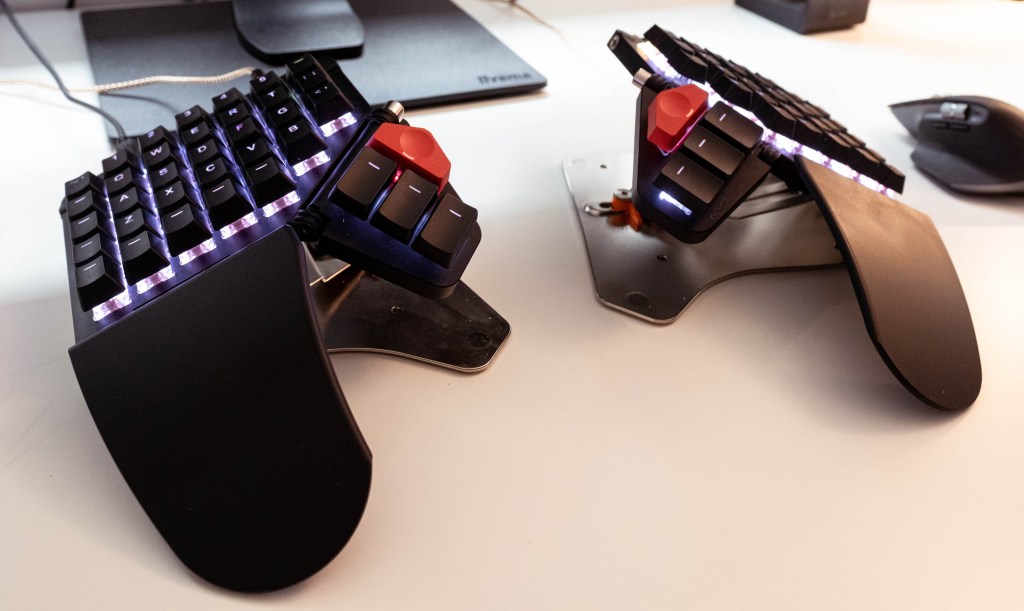
The split design of these keyboards is a significant improvement over traditional, flat boards, as it helps prevent back and wrist pain by promoting a more natural hand position. The tenting feature elevates the keyboard halves, allowing for better hand alignment, and encourages the thumbs to engage more actively, moving beyond hitting just the space bar. With a standard layout, the most powerful finger is doing the least work, which makes no sense.
Many users accept the standard keyboard without questioning its design, remaining vulnerable to the discomfort and inefficiency it can cause.
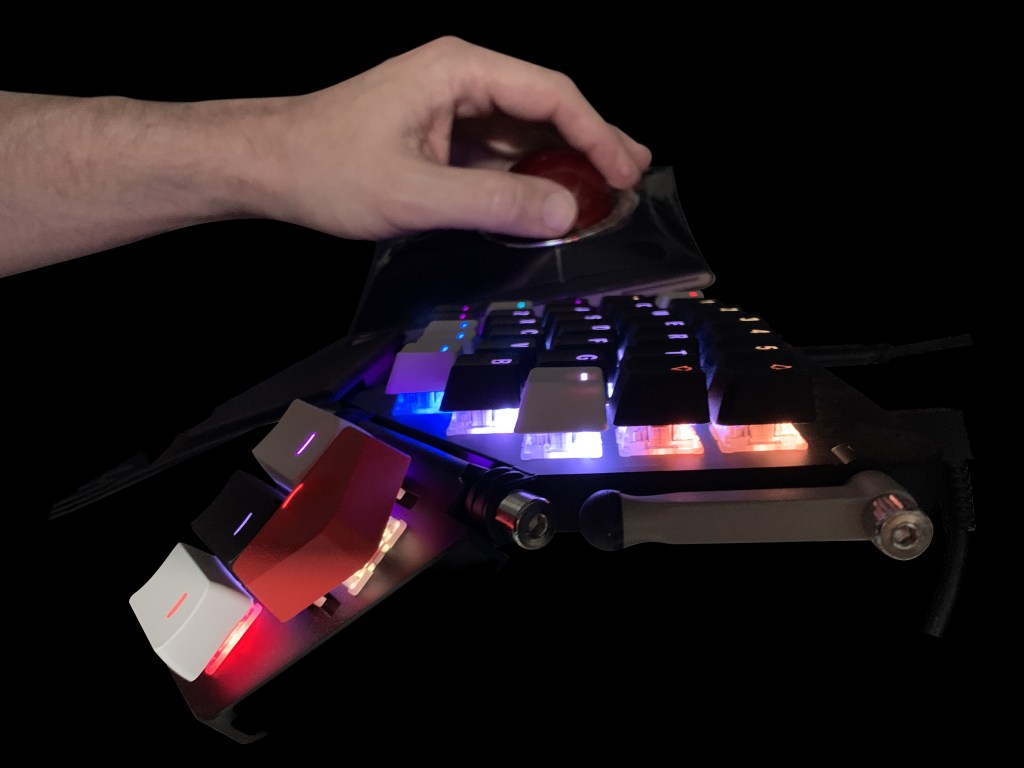
I have yet to explore alternative letter layouts, still using QWERTY, which was designed with typewriter mechanics in mind rather than optimizing finger strength. I am open to trying COLEMAK or DVORAK layouts, as this ZSA Moonlander keyboard allows for easy reconfiguration of key caps. While retraining muscle memory may take time, it is a feasible challenge with long-term benefits.
The Moonlander supports up to thirty-two custom layouts, and I currently utilize eight total, for applications like Photoshop, Illustrator, and InDesign. Switching between layouts is fast and efficient.
Additionally, each key can be assigned a custom LED color, aiding in layer differentiation and key identification.
Exploring alternatives to the generic keyboard design is not commonly considered, and most people remain unaware of the limitations of their current input devices.
Pictured here is the left half of my ZSA Moonlander, along with my Kensington Slimblade trackball, representing but a portion of my input device ecosystem.
https://lnkd.in/gJ_vgah6
Police Respond To Masked Intruder
022026 • Old Gang Green vs Mystery Machine

 randyrydberg.org