Gripen vs F-35 for Canada

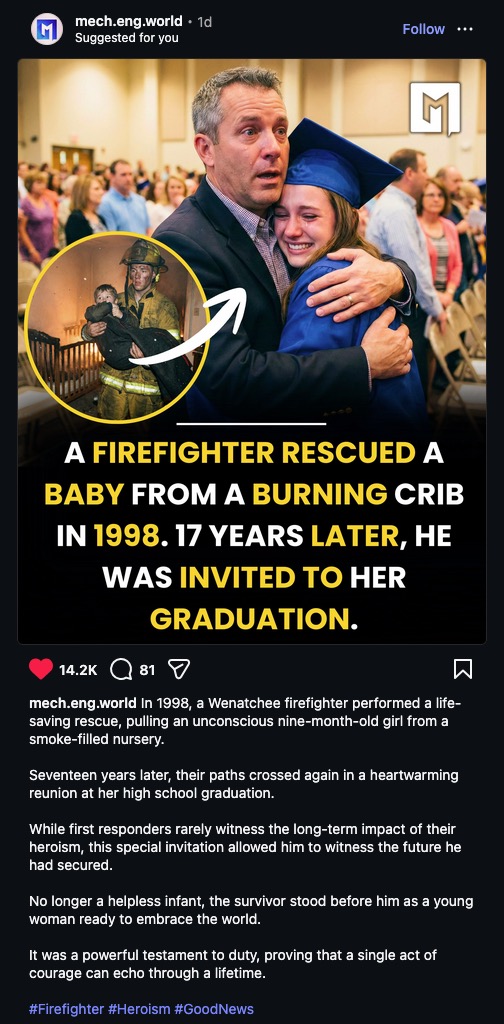
I was reading the comments from another video on this topic, and it was all Canadians who were against anything from the U.S., all insisting on the 40-year old Gripen to replace their aged F-18 Hornets. A perfect example of patriotic bias against logic and the numbers. This video clearly spells out why the Gripen is a terrible idea for Canada going forward. In addition, this should have been decided years ago, but Canada’s governments have continually kicked this can down the road while almost every other NATO country has determined the F-35 was the best option going forward, including other far-north countries that also operate in extremely cold conditions.

I’m Thankful For: Optical Character Recognition

My Dad, when reading books, uses highlighters on passages that he likes and wants to remember. This frustrates me when buying books: I’ll come across a great book, open it up, and someone has crudely underlined paragraphs all over the place. Often, at a thrift store, all of the books are pretty much common or not of a great topic, except one… and when I open that one special volume? Its pages are all marked up with underlining or markers.

Quite frustrating.

My way of noting special passages is different: I take a photo of the page with my phone, and use Adobe Acrobat’s OCR (Optical Character Recognition) to turn the text into editable text, as if it were typed in and not just part of a photo of a page. Adobe’s OCR isn’t bad, and I appreciate what it does considering I grew up writing everything with pens, pencils, and manual typewriters. Correction ribbons… ugh.

So, this is how I do things. I have a big file with all sorts of interesting excerpts from books that I’ve read.

But today, I found out about a better way to do this. I was taking a photo of some pages with my phone, when I accidentally discovered that the iPhone now automatically OCR’s text without even asking!

Even better, when I’m on my Mac Mini, to use the built-in OCR, all I have to use is the Preview app to open the photograph of the page, go to Tools > Text Selection (or even better, Automatic Selection), and the OCR goes to work! I just click on the page and after a few seconds, the cursor changes and I can select all of the text! The Automatic Selection option stays selected so I don’t have to do that every time.

Apple’s OCR (I can’t speak for any Windows OCR features) in my experience, works better than Adobe’s OCR, where lack of contrast and warped text due to pages not being completely flat, causes a lot of static junk text.

I just wanted to share that because this is one of those many useful features our phones and computers can do, but most of us miss it. If you would have told me back in the day that something like this was going to be possible, I would have had a tough time believing it. We take a lot of things for granted, and this is one of them. Also, being able to take unlimited high-quality videos and photos with a computer-phone that fits in a pocket. Some of us remember having to:

1 – Go to store, buy film.

2 – Load film correctly, pick shots carefully because there are only 24-36 to a roll.

3 – Unload film correctly.

4 – Take film to store.

5 – Return to store to buy prints.

So, two trips to the store, one opportunity to ruin the film. And, one was limited to how many shots were on a roll. Now, it is unlimited, with many options and features, and no trips to the store.

Anyway. There are more important things to be thankful for this Thanksgiving, but this is still something to be appreciated: useful technology that keeps innovating and bringing us more ways to be productive.

An Example Of Insanely Great Design

Years ago, I worked at a job where we had these Mac Pro Towers, and mine was always solid with everything. No matter what graphics we had to manipulate, my Mac Pro was always up for the job, and actually spoiled me as it was faster than my big 27″ 2009 iMac at home.

My first few jobs in the graphics industry involved getting by with as little computing power and technology as possible, so this Mac Tower was something I always appreciated every time I worked with it.

A few years ago, I was talking to a friend about this, and he happened to have a tower just like the one I used to have, and he needed to find a good home for it. I don’t have any urgent need for one as my 2018 Mini fulfills my workload just fine, but that tower was a work of art, like most Macs were to one degree or another after 1997.

I do have some upgrades in mind for this tower, maybe a few projects I can put it to work on, but at the moment, I just like having it around. Having lived through the beige plastic era of computing, the design of this Mac Tower inside and out is something nice to have on display, I have no plans to ever let this one go!

Zoom Conference?

I think this is a scam to get someone to click on their link; very clever. I never looked at the links that zoom conferences came from, when I used to use Zoom, but I doubt that “tinyurl” is legitimate. If somebody’s mailbox is full of these, it would be easy to click on it, leading to who-knows-where.

Screenshot

The Ugliest Building Ever

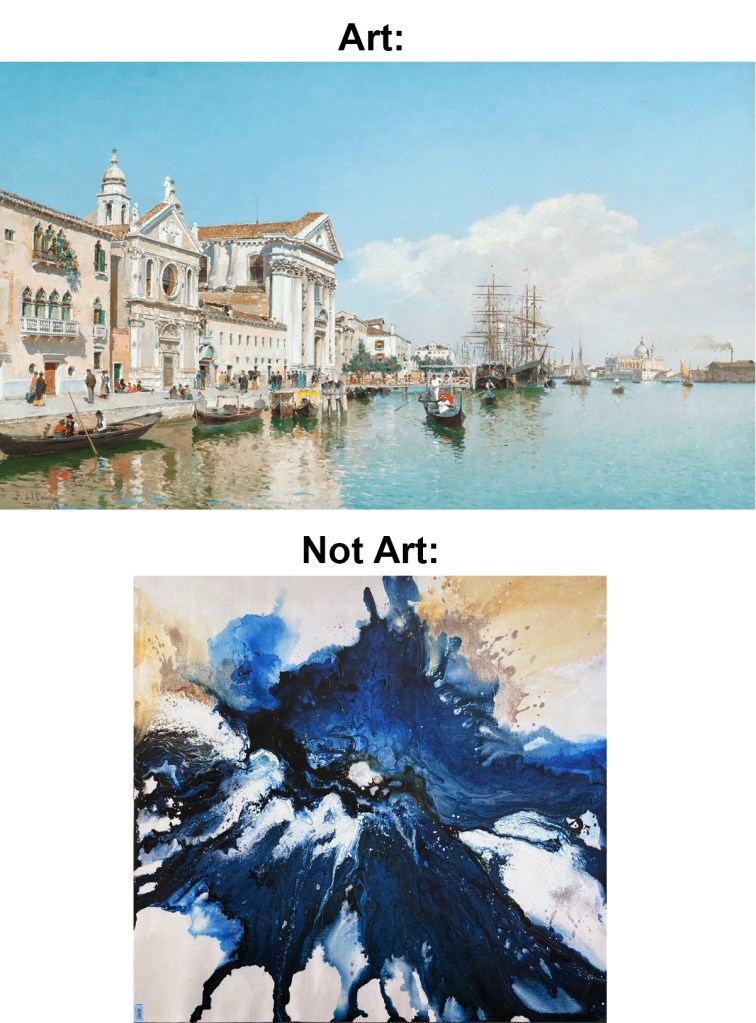
Driving to downtown on Colfax, I came across the ugliest building I’ve ever seen. They could have at least created something that would blend in, if they weren’t going to make the effort to build with a beautiful design, something uplifting, but no. We get a melted-plastic look.

I have read comments about the building, exclaiming that “at least it is different”. Just because something is different, doesn’t automatically make it good. Also, nearby, there is a courthouse that couldn’t be more cold and dystopian, as opposed to the one by the Capitol which is based more on Roman/Greek architecture.

This only makes me appreciate beautiful buildings that much more, as this monstrosity is the most shocking contrast between good, and bad. What they could have done with the money poured into this horrible idea is a missed opportunity to do something good for the millions of people who will pass by this building over its future.

More: This is the Populus Hotel, with 265 rooms. It is supposed to look like an aspen tree. I don’t have anything against the hotel itself, and don’t know if it is excellent or not, just that it is really ugly on the outside. I never thought for a moment of an aspen tree when looking at it.

Too Good To Be True

Screenshot

When I see something advertised that is neat, or just a good deal, I take a snapshot, label the file, and save it in a folder. Recently I have had the need for some new shirts, so, I went to my Folder of Deals. In the time since I saved these (pictured) deals a few years ago, they have disappeared from the internet because they turned out to be scams. They would have taken my money for nothing, or given me some low-quality shirts. (According to posts I found about these “companies”.)

Also:

– Years ago I purchased a pack of six Apple-compatible charging cords; the quality of which was really, really bad. Eventually threw them into the trash.

– Last year I almost bought a VCR-DVD player that was advertised as able to record DVDs from VCR tapes. I researched that a little bit and it turns out it was a scam, but I was close to getting that. Too close.

– I few years ago I bought a USB stick that was claimed to hold 2TB of data, when in reality it just continuously overwrites existing data to give off that impression. It works, but putting too much on it is a bad idea.

However:

I’ve found some fantastic things out there as well; My Baerskin Tactical Hoodie is fantastic, my ReadFive Designs Star Wars Toy Guide is one of my most valuable (and rare) books, my Pale Blue Rechargeable Batteries are fantastic and my ZSA Moonlander keyboards have been outstanding. There are so many great products out there, but it pays to listen to your Spider-Sense when it starts going off. Suspicion and paranoia aren’t always bad things!