The standard keyboard design has its roots in manual typewriters, where the moving hammers could jam if certain keys were pressed too rapidly in quick succession.
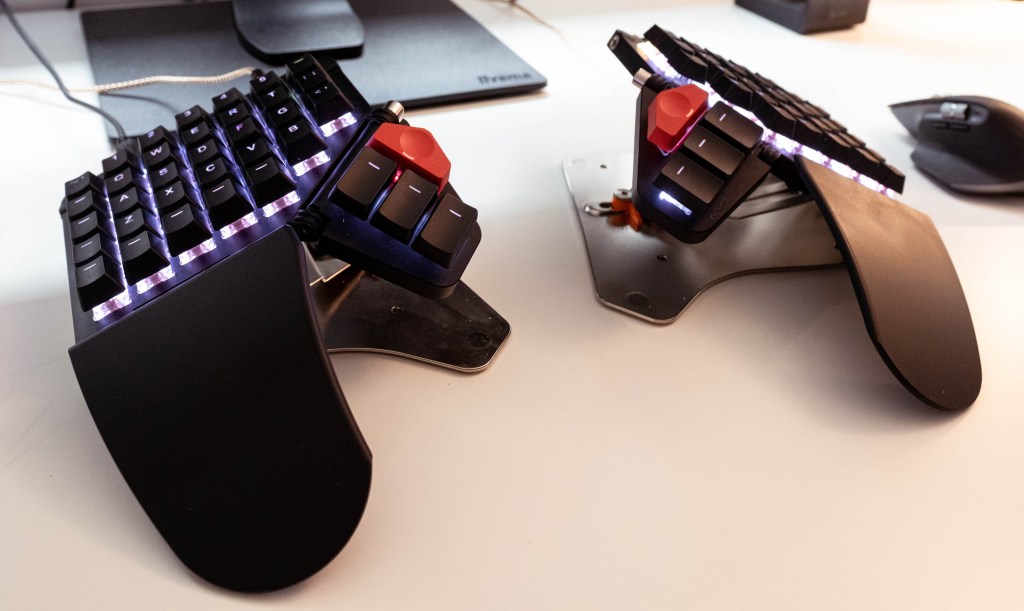
Having used numerous ergonomic keyboards over the years, I find that a two-piece, ortholinear keyboard offers the best solution for enhancing health and efficiency while providing a pleasant typing experience, whether for work or play. Getting used to an ortholinear key layout only took me a few minutes, and was immediately a welcome change from the less efficient standard, staggered layout.
These keyboards allow for key customization, offering many options that include soft and quiet or light and clicky. For my public office keyboard, I prefer quiet keys, while at home, I enjoy the satisfying sound and feel of loud, clicky keys.
The split design of these keyboards is a significant improvement over traditional, flat boards, as it helps prevent back and wrist pain by promoting a more natural hand position. The tenting feature elevates the keyboard halves, allowing for better hand alignment, and encourages the thumbs to engage more actively, moving beyond hitting just the space bar. With a standard layout, the most powerful finger is doing the least work, which makes no sense.
Many users accept the standard keyboard without questioning its design, remaining vulnerable to the discomfort and inefficiency it can cause.
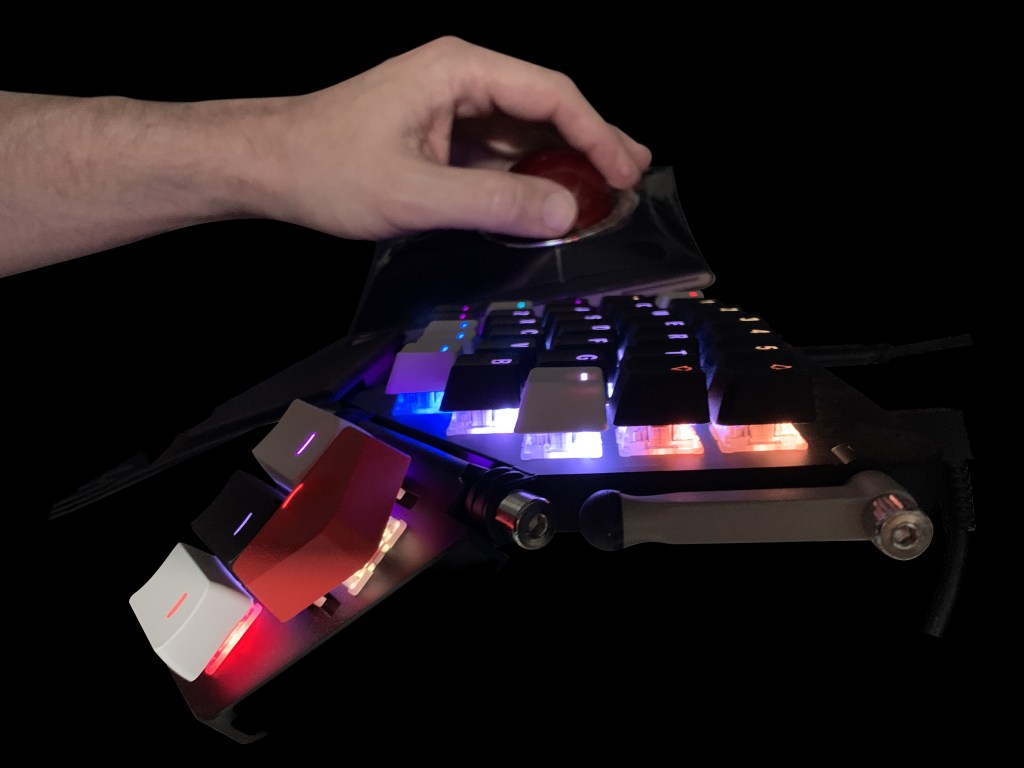
I have yet to explore alternative letter layouts, still using QWERTY, which was designed with typewriter mechanics in mind rather than optimizing finger strength. I am open to trying COLEMAK or DVORAK layouts, as this ZSA Moonlander keyboard allows for easy reconfiguration of key caps. While retraining muscle memory may take time, it is a feasible challenge with long-term benefits.
The Moonlander supports up to thirty-two custom layouts, and I currently utilize eight total, for applications like Photoshop, Illustrator, and InDesign. Switching between layouts is fast and efficient.
Additionally, each key can be assigned a custom LED color, aiding in layer differentiation and key identification.
Exploring alternatives to the generic keyboard design is not commonly considered, and most people remain unaware of the limitations of their current input devices.
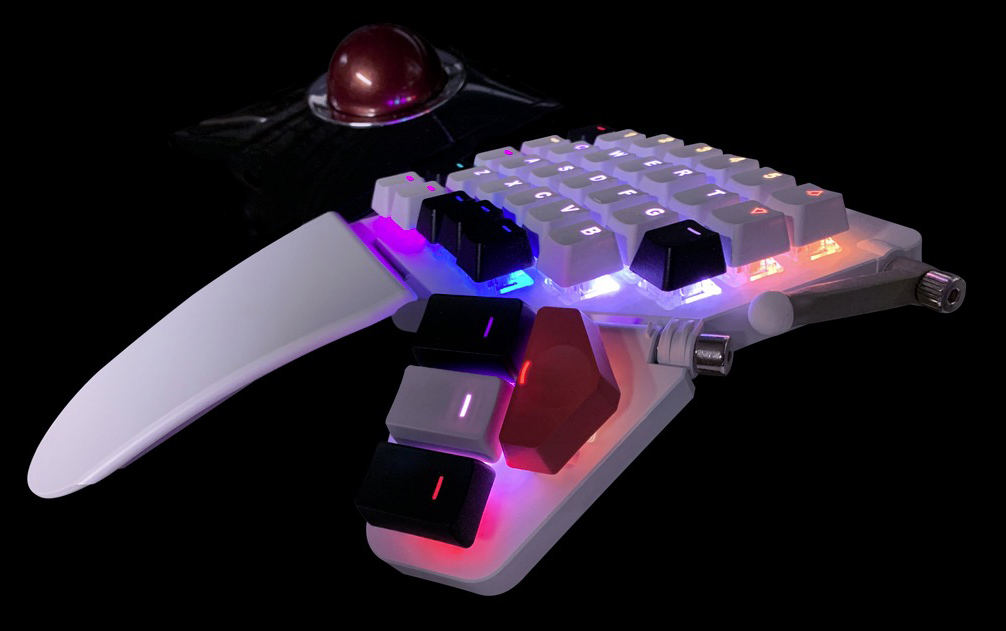
Pictured here is the left half of my ZSA Moonlander, along with my Kensington Slimblade trackball, representing but a portion of my input device ecosystem.
https://lnkd.in/gJ_vgah6

 randyrydberg.org