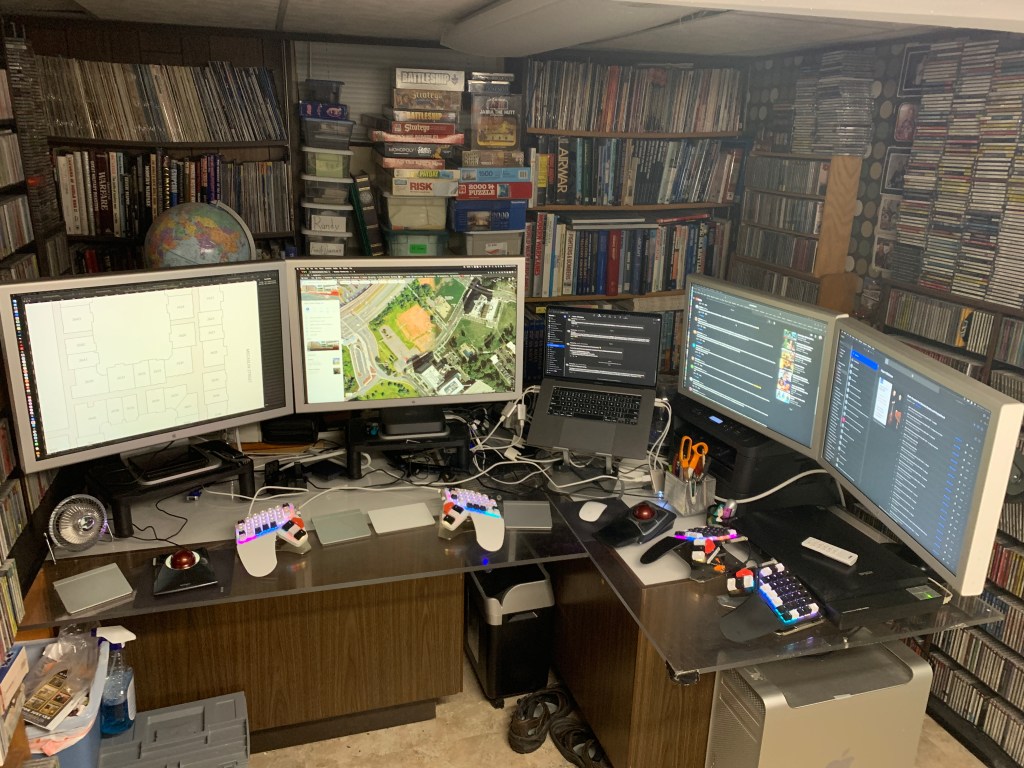
Today, a good hockey buddy gave me a loaded Mac Tower, with two Apple Cinema Displays, and a really strong arms base for them. So now, when I’m working from home, I use the two big Cinema Displays for work, along with my work Powerbook (as usual), and for my home computer I have another dual display instead of the single cheap monitor I had been using. Plus, thanks to the arms that hold the new displays, my scanner is still usable, right underneath them. A great use of space!
This Big Mac (bottom right, on the floor) has so much potential, and I still have to hook it up and see what it can do. Curious to see how fast it will render my hockey video files. I might be able to use it as a RAID setup, or a server, it would be nice to not have six external hard drives like I do now (they are not in the photo here). In any case, it’s really neat to have an upgrade to my setup! My buddy told me that this thing is not a lower-end model, and has a lot of good upgrades. I don’t stay up-to-date on Mac releases anymore, so all I know is that it is a far better tower than the one I used at a job ten years ago.
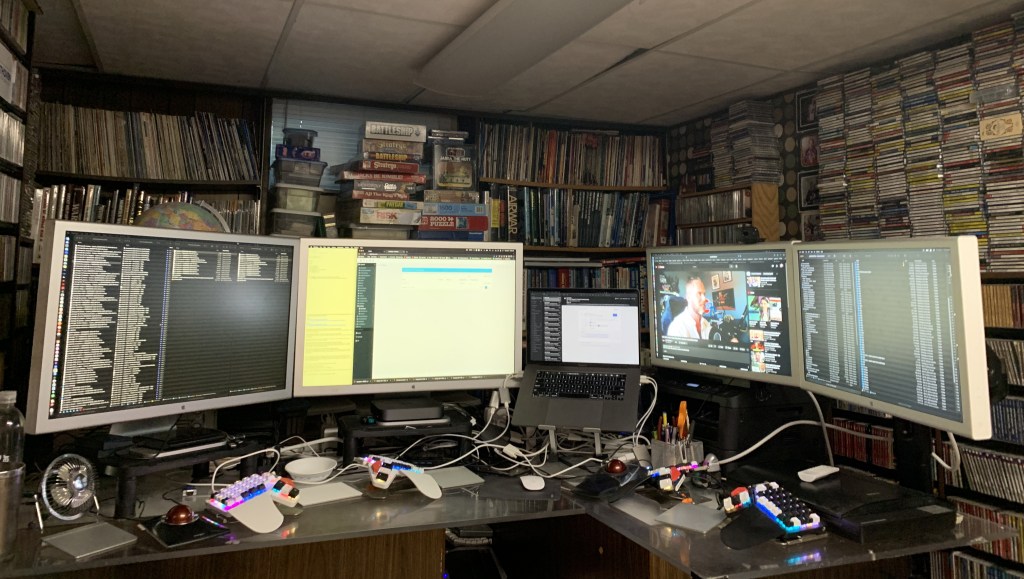
It’s always fun to get a new-to-me Mac and play around with it, and if lucky, find a good use for it. Back in the day, I got a hold of a lot of different Macs, which was really neat. After a certain point, though, I just wanted things to work and didn’t really care as much about modifying things. (OSX, which came out around 2000 or so, crashes on me maybe once a year, if that, whereas OS9 used to crash all day long, and that was normal. Now I’m just used to things working!) And evolution of my work flow, maybe. That is the way things have been for a really long time now. What is also neat about my new arrangement is that I can slide my old G4 tower next to where this aluminum tower is, and fire it up easily, without having to drag a monitor out of storage and find a place to set it up. I really, really want to play SimCity 2000 again, and now I have an actual way to do it that doesn’t involve a lot of goofing around with setting things up.
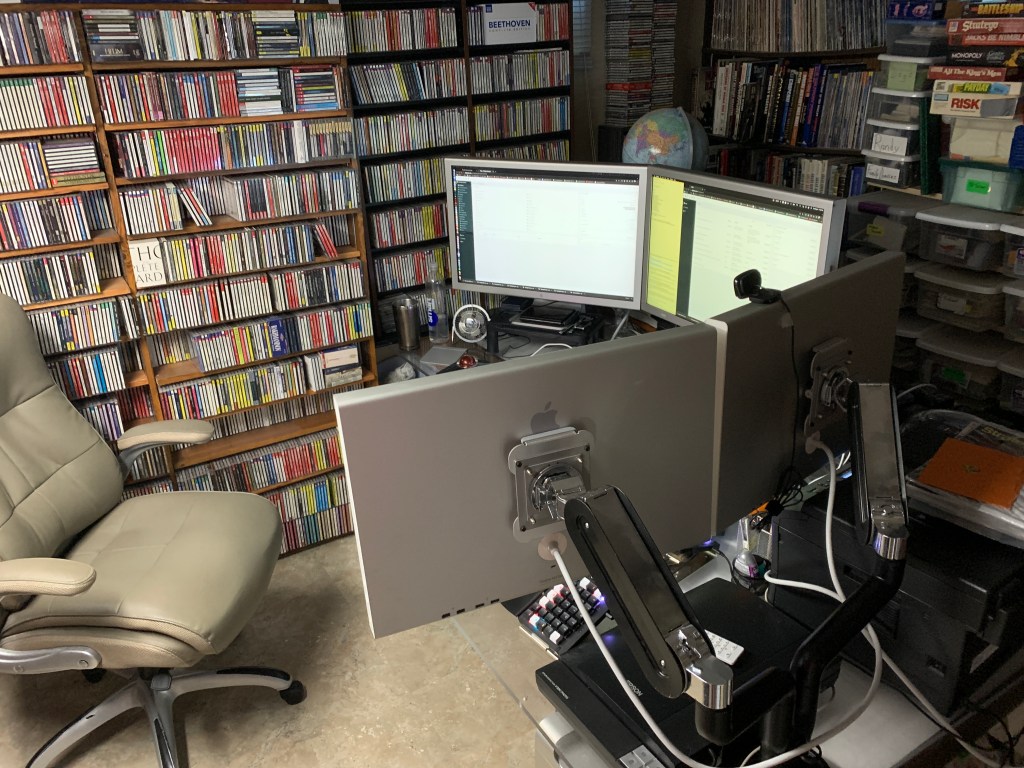
I still have my Mac Quadra 605 from 1993, a G3 tower, and the G4 tower. I had to let my nine-year-of-constant-usage Mac clone go years ago because I had no room to store it, which is sad. That computer was so Frankensteined, it was amazing. What a great value, as that was my main computer for nine years running, and anything that could be upgraded in it, was. Bought that in 1995.
Currently, I’m running a 2019 Mac Mini, which, while I’d like to get an M2 Mini, it hasn’t caused me any issues whatsoever. I haven’t had to upgrade the RAM in it or anything else. My previous Mini, a 2014 model, was not as great as I didn’t buy it with enough RAM, and that one wasn’t upgradable like my 2019 Mini is. That’s the way things are these days, one has to purchase it with the right specifications on day one.
The bad thing about this is that if one needs more RAM in the future, it’s not upgradable (I think the newer Minis are like this), but on the other side, this is less and less of a problem, and the benefit is that things run faster and better with integrated RAM. It’s nice to just buy a computer and not have to open it up to do anything with it. It’s nice to buy stuff that changes performance, but it really is better if that simply is never needed to be done, that there isn’t a need to upgrade until the inevitable day comes when one needs a whole new computer.
But, I’m not that big of a power user so maybe I’m not the guy to ask about such things.
I got about five years out of my 2009 iMac, which my dad used after that, until about two years ago. My aunt is using it now, so it is still doing fine, at fourteen years old.
Also, I know that these monitors are eighteen years old, but they work great. One of the Mac reviewers I follow did a big review on my 30″ Cinema Display earlier this year, talking about the benefits of this old monitor, one of which is that nobody makes one with as tall of a screen, so there is a little more real estate on it. I’m not saying that newer monitors are bad, they aren’t. And they very much don’t weigh anywhere near as much as these dinosaurs! Plus, they don’t need two or three adapters to work with a more recent machine. But they were of high quality when they were new, and they still work just as well as they ever did. (And they match my other Apple devices). Plus, I’m not a fan of Plastic Fantastic computers and monitors. Plastic is an amazing material that really does make our lives better, but Apple enlightened us as to how much better things are with the materials they tend to use, such as aluminum. Speaking of which, this tower is HEAVY.
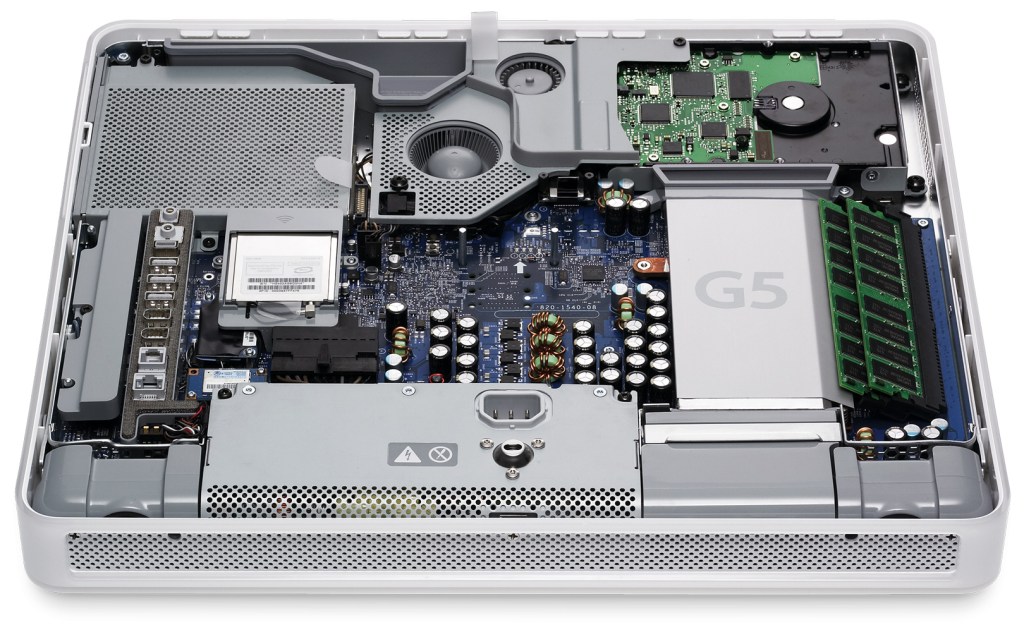
Which is fine. But one of the reasons, or more accurately put, one of the side benefits of this tower is that it really is a work of art. Apple is just great at designing these things. That Frankenstein Mac clone I previously mentioned? It was basically PC parts and generic wherever-it-fits design. Cut my hands a lot working on it. But these Apple designed computers? They are works of art. They simplify and beautify the things they sell us. I opened a white (Plastic! This was right before Apple moved to non-plastic cases) iMac a few years ago, and the innards of that thing were amazingly laid out. Didn’t expect that. This tower, same thing. I had a tower like this at a job years ago, and I always wanted to just have it, even if just for a display piece, much less use the thing.
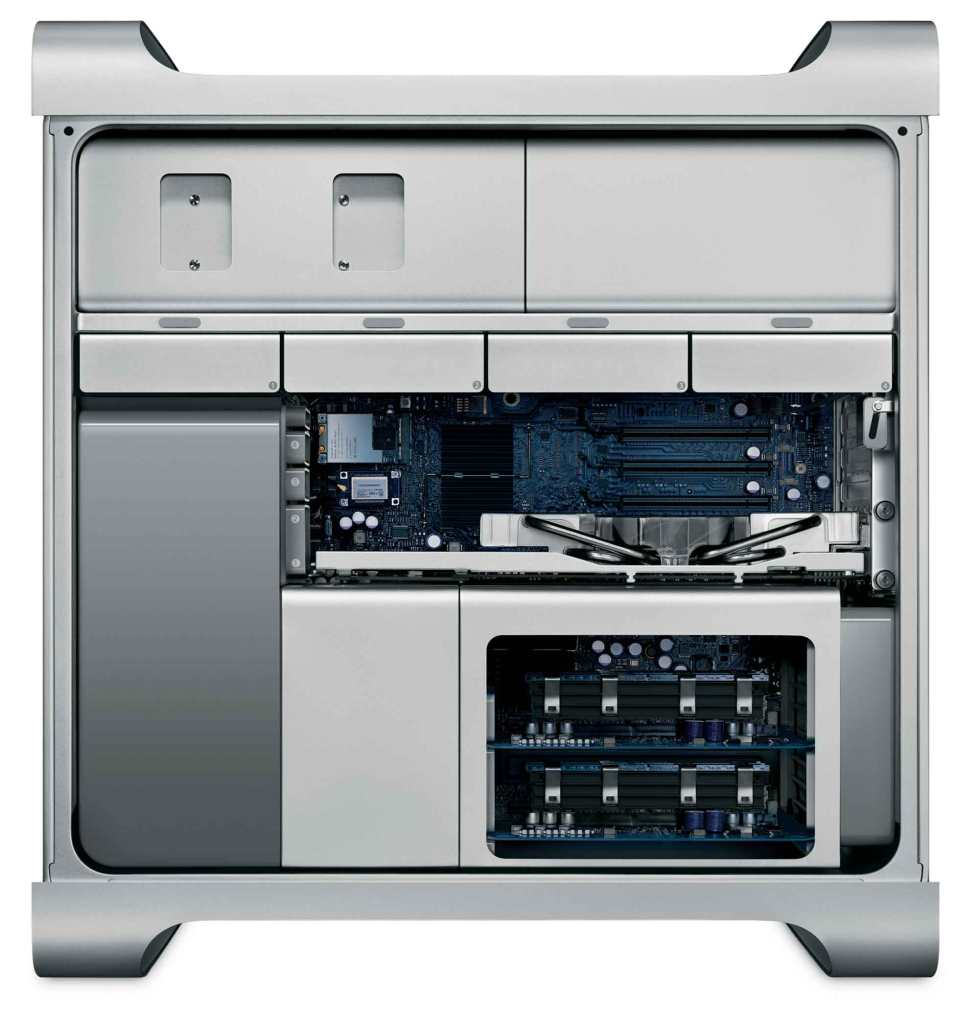
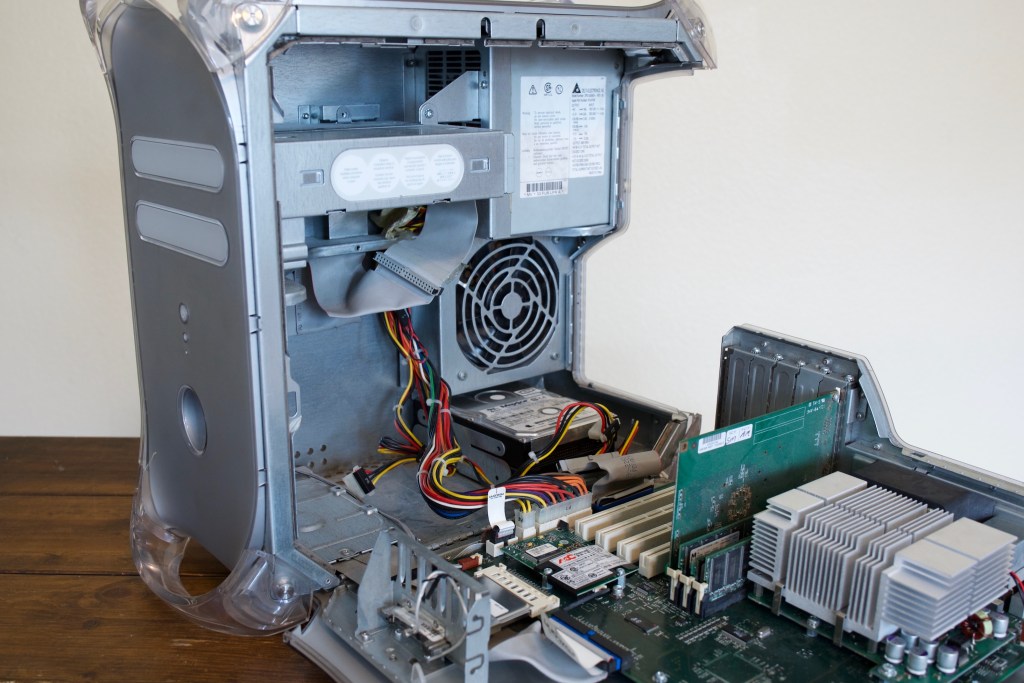
My G3 tower, as old as it is, all one had to do was hit a switch, and the tower would fold out into three pieces, for really easy upgrading or maintenance! The G4, just pull a handle, and the side swung down. My iMac? Use a suction cup on the glass of the display, and what do you know? It’s held on with magnets, and that’s how one accesses the innards of the thing. Just pull the glass off. Simple. And this tower, just hit a switch, and all of the inside is super-easy to work on. But again, it’s even better if one never has to open one of these things.
I will say though, that my Mini, based on videos I’ve watched on the subject, are just awful for upgrading the RAM, but that is probably by design, as Apple didn’t make that machine for upgrading, and was moving to the integrated RAM. And if you need more hard drive space, there are some really neat external solutions that also add ports and memory card slots. But the Mini isn’t meant to be opened, same as the iPhone.
At some point, I’m going to get some sort of improved desk setup, but that looks to be a really tough endeavor as I need a lot of space, and am going to want a desk that transitions from sitting to standing, but can handle all of the weight my stuff has. Maybe two standing desks? And how am I going to get my current “desks” out of this room, where will they go, and what will I do with the stuff I store in them? (What’s left of my comics collection, drawings, thousands of slides, boxes of photos, stuff like that). So, I’m going to put that off… maybe forever?
Anyway. Just my thoughts. For free! Feel free to post your setup, I always find other people’s (inferior!) setups to be interesting! 🙂

 randyrydberg.org